Bible study built around your own material

Bring your own study into the margins.

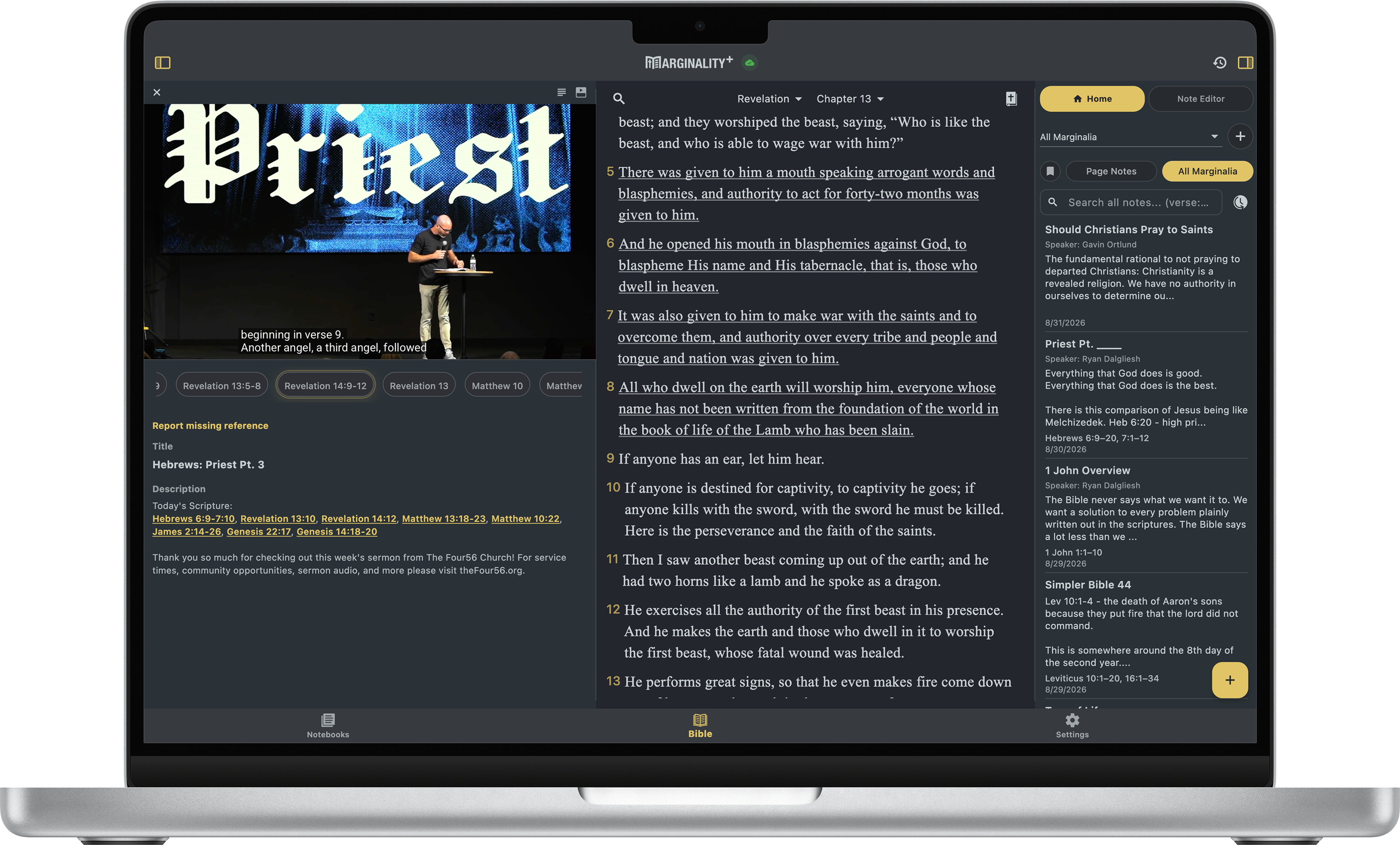
Write notes from Scripture, import handwritten study pages, and turn sermon videos into verse-linked moments. Marginality keeps your study organized around the passages it references.

Verse-linked notesWritten-note importVerse-linked videosLocal-first study
Marginality on a Mac with a sermon video, Scripture, and marginalia open together
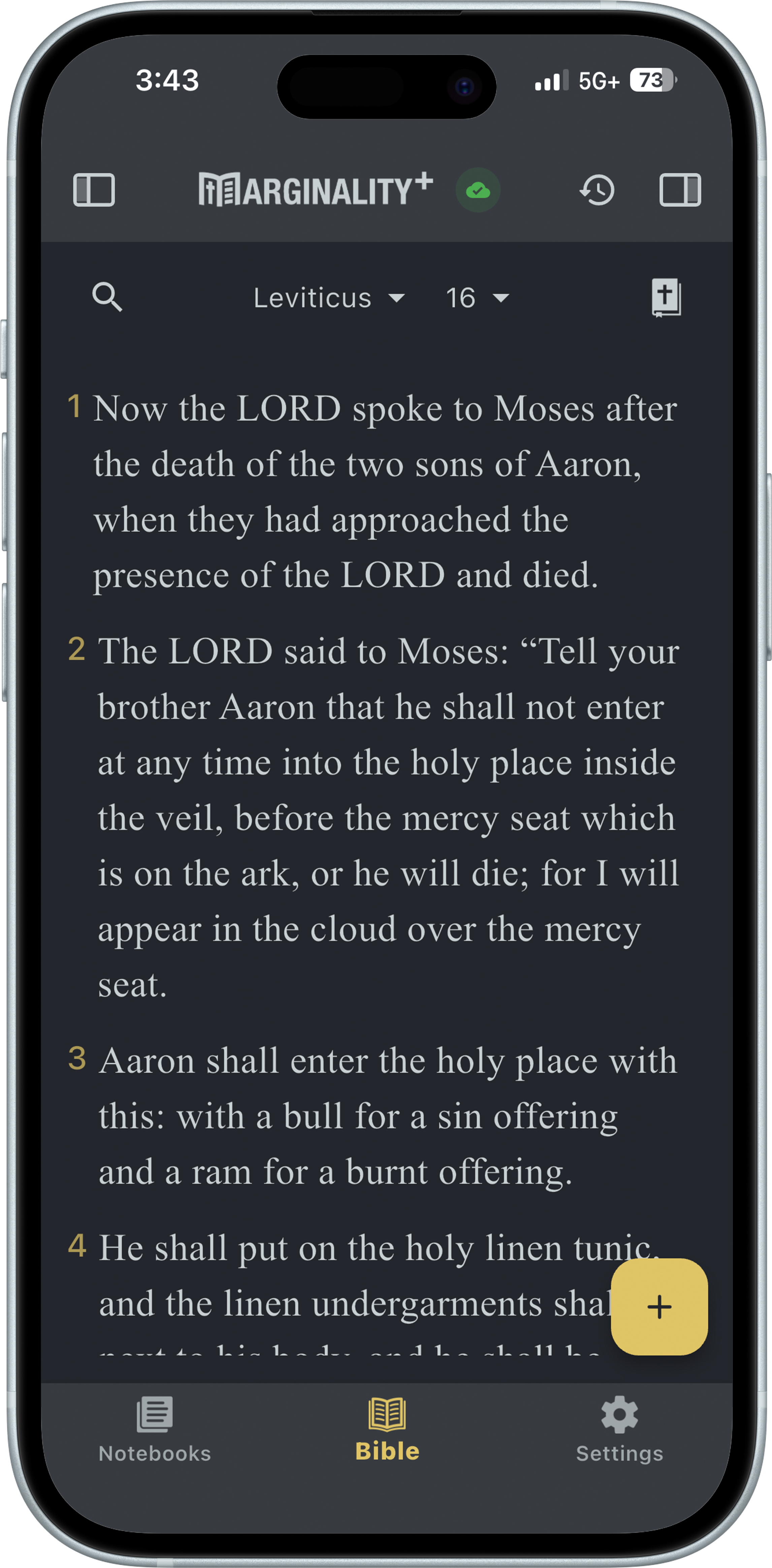
Marginality Bible reading view on an iPhone

The central idea

Your study should return when the passage does.

Marginality is not built to tell you what Scripture means. It is built to keep the notes, questions, references, and teaching material you choose close to the Bible text that shaped them.

01

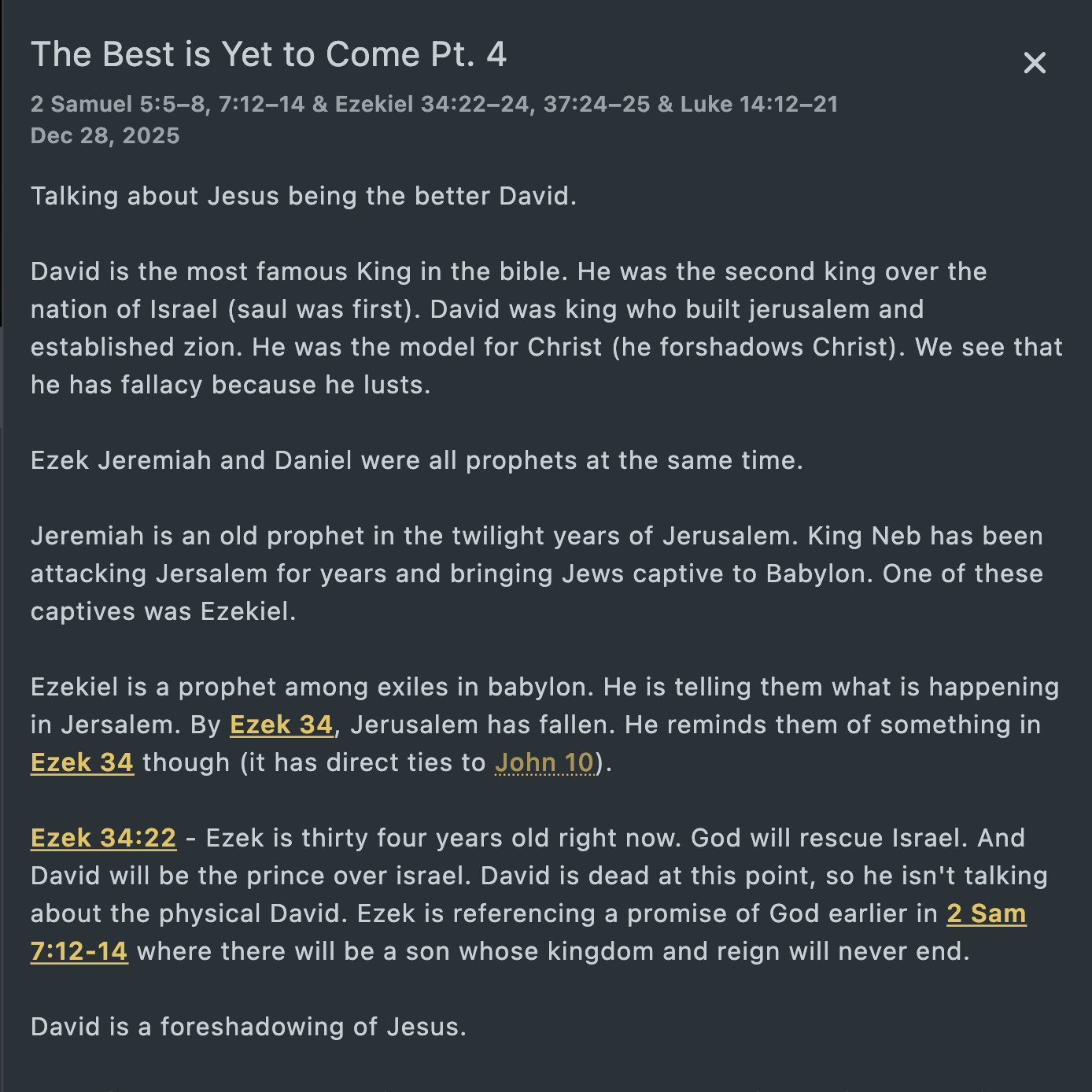
Create typed notes from the Scripture you are reading.

02

Keep Primary Verses and supporting references clear inside each note.

03

Return to your own material beside the passages it references.

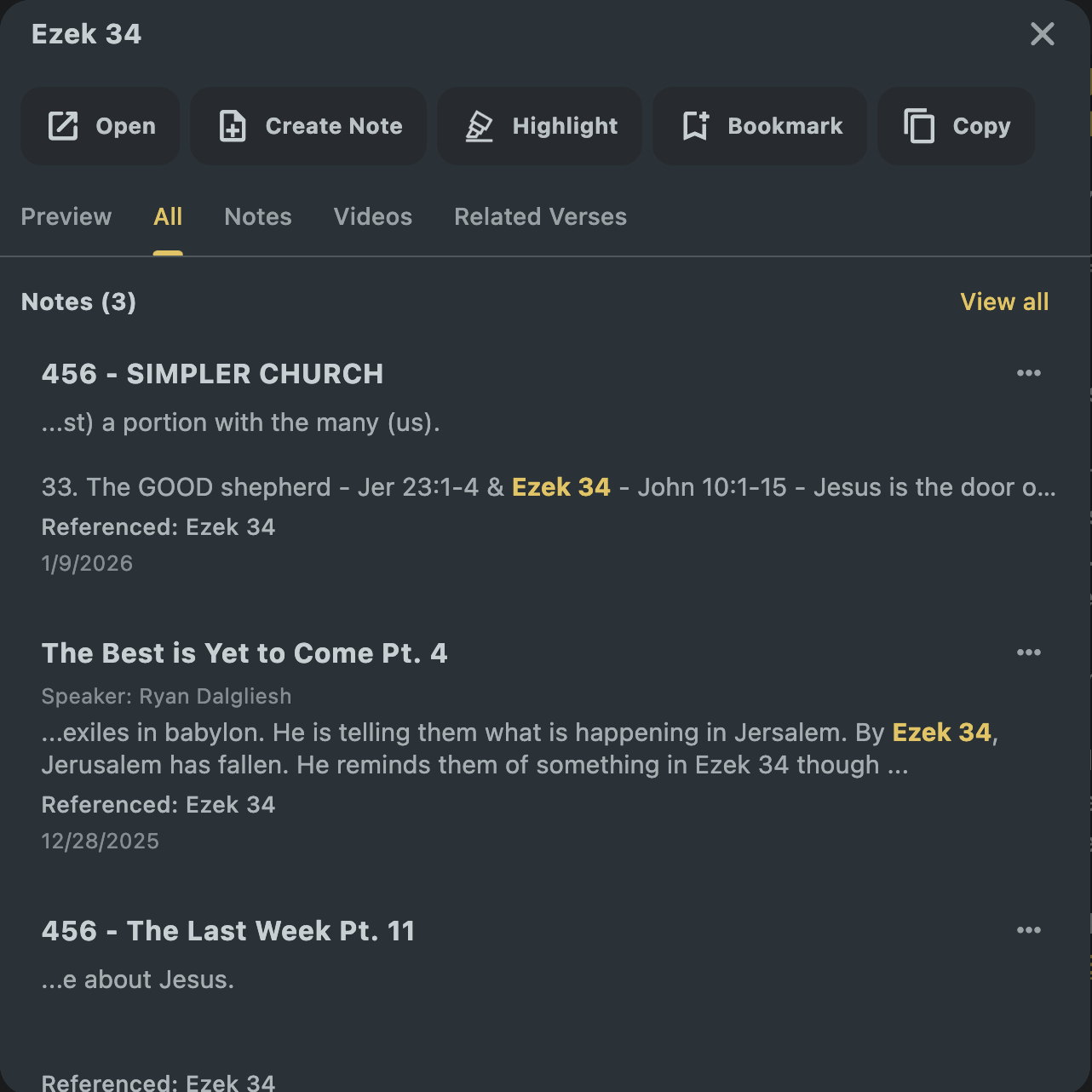
The Marginality verse menu showing actions, notes, videos, and related verses

Distinctive workflows

Bring more than typed notes to Scripture.

Marginality helps personal study material become searchable, reviewable, and connected to the Bible instead of remaining scattered across paper, apps, and video timelines.

01

Import written notes

Don't leave years of Bible study trapped on paper.

Add handwritten study pages, let Marginality format the writing, review every page, and save the result as an editable note alongside the rest of your study.

  • Camera and file intake for written-note pages
  • Page-by-page review and correction before saving
  • Detected Scripture references stay useful inside the final note
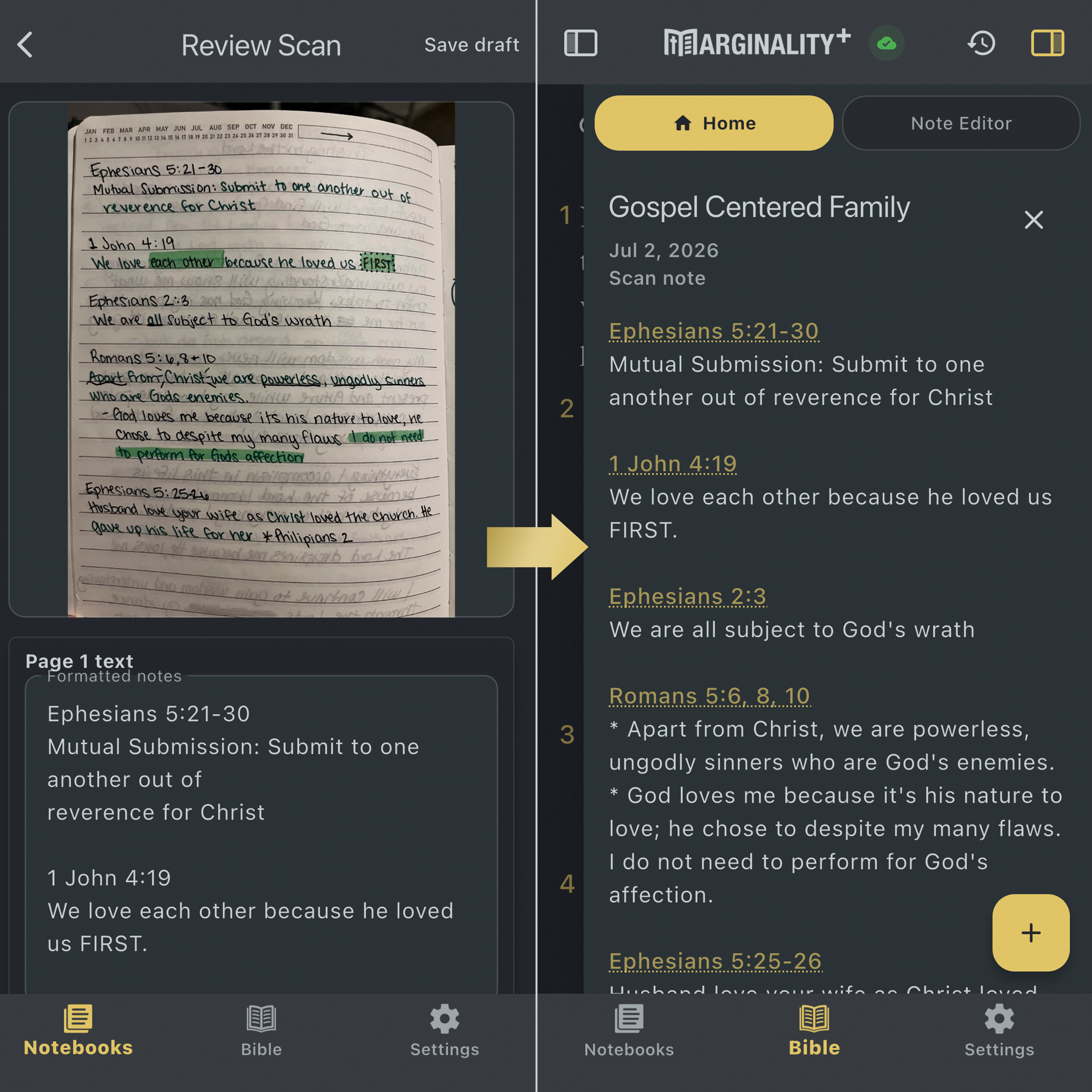
Marginality reviewing a photographed handwritten study page and showing the resulting scan note
02

Verse-linked videos

Find the Scripture moments inside the sermons you save.

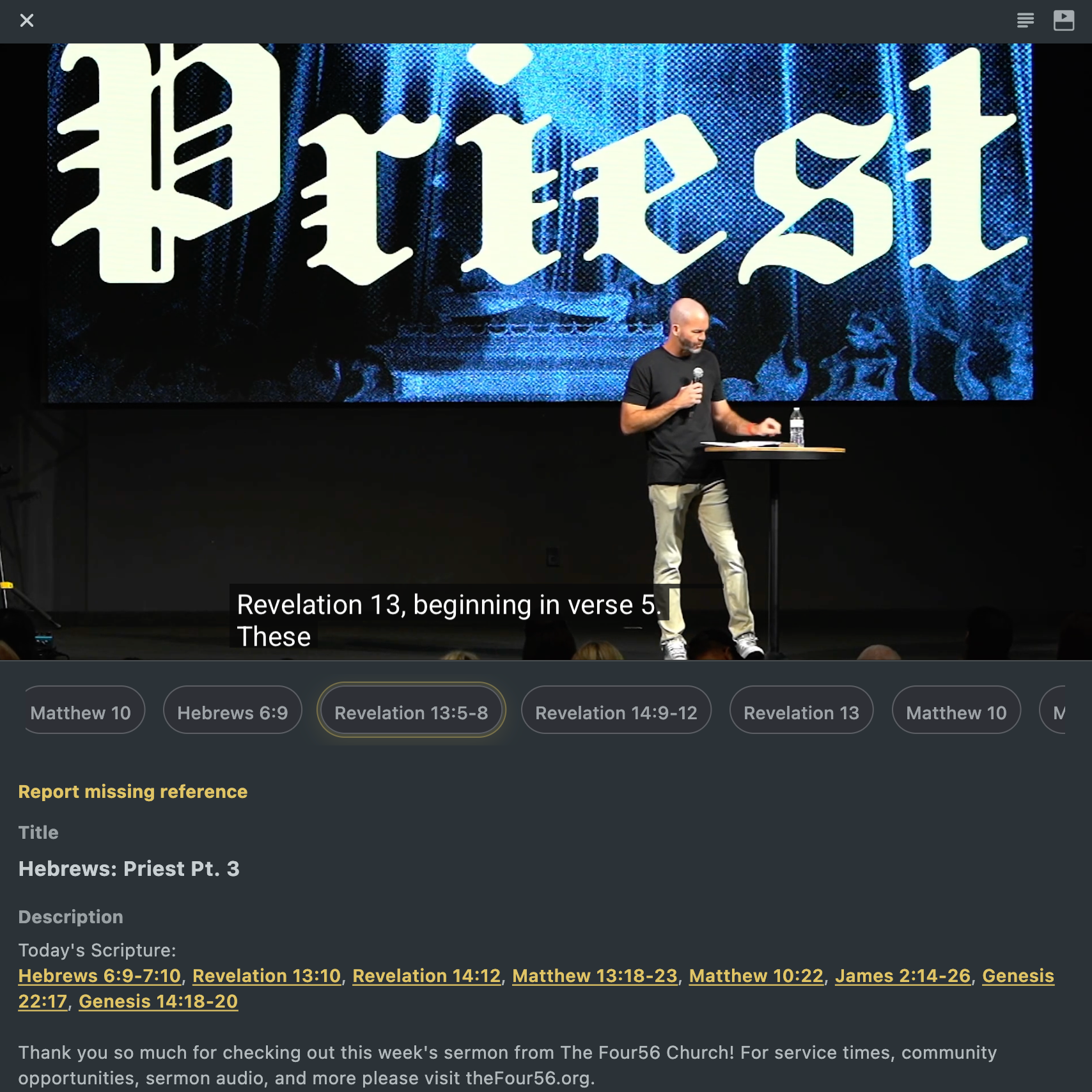
Paste a YouTube sermon or Bible study link. When a usable transcript is available, Marginality can index its Scripture references and create timestamped moments you can revisit from the video or the passages it mentions.

  • Personal videos stay organized in My Content
  • Reference-aware transcript moments open at useful timestamps
  • Move between a teaching moment and the Scripture it references
A verse-linked sermon video in Marginality with timestamped Scripture references
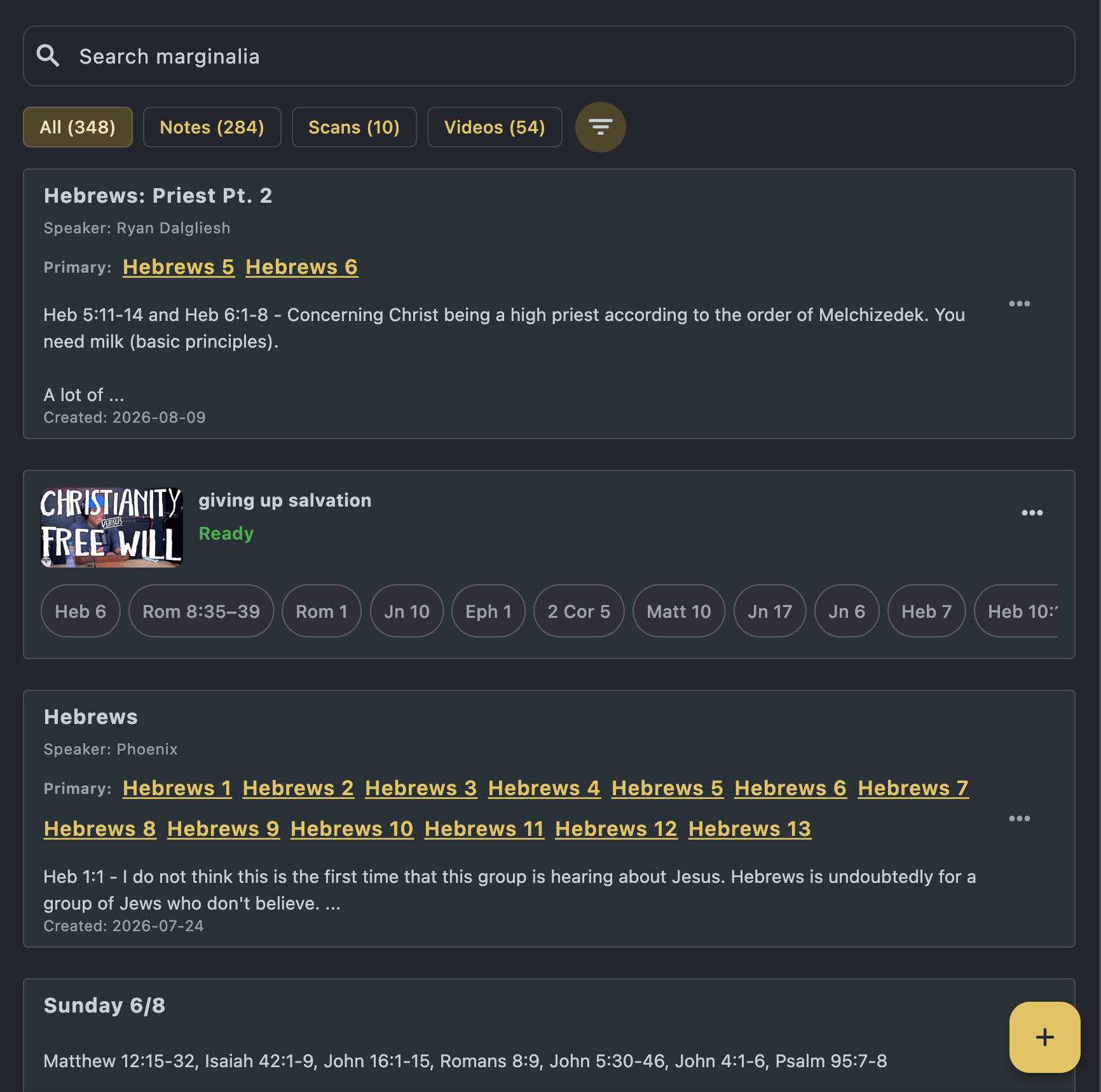
Marginality search results containing notes, scans, and verse-linked videos
A Marginality note preview in dark mode with linked Bible references

Your study library

Organized by you. Connected by Scripture.

Notes, scan-derived notes, and personally added videos can live together in the notebooks you choose. Search and filters help you retrieve the work later without flattening everything into one feed.

01

Search across your study

Find notes and personal study material by words, Bible references, notebooks, tags, and speakers.

02

Organize without losing Scripture

Use notebooks, tags, bookmarks, and Primary Verses while keeping references ready to open.

03

Keep your work portable

Import and export supported note formats so the substance of your study is not trapped in one app.

Stay close to the work

Interested in testing Marginality?

Marginality is being built and refined across mobile and desktop. Reach out about tester access, product questions, Bible-content licensing, or partnerships.

Email: contact@marginality.app

Publisher: Spark Digital LLC